What should I do when a payment method I use isn't in the list, or my settings don't take effect?
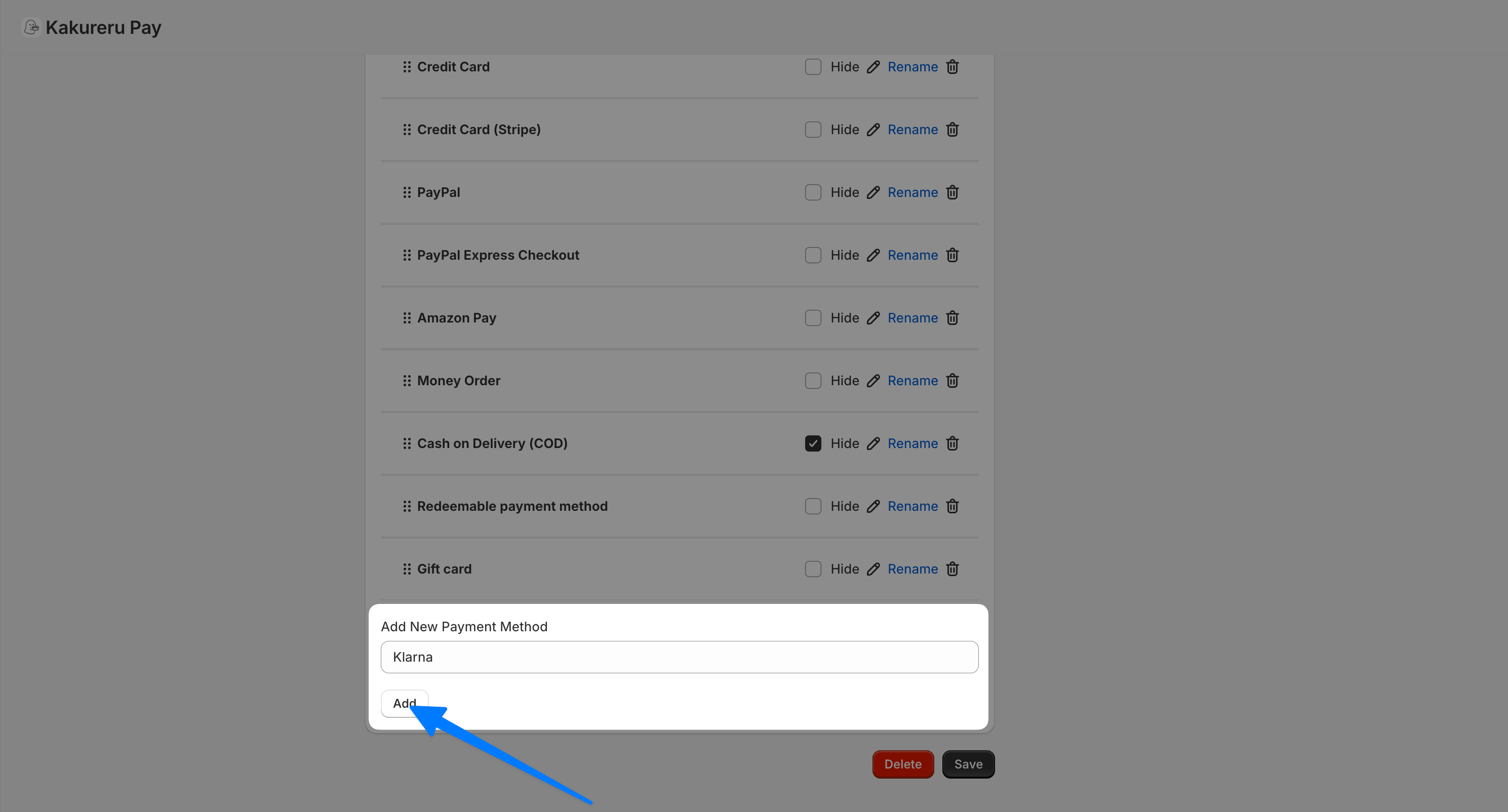
If a payment method you use is missing from the app's list or your settings don't work, copy the payment method name exactly as shown in your checkout and add it from "Add New Payment Method".
If a payment method you use is missing from the app’s payment method list, or your settings don’t seem to take effect, open your checkout and check the exact name of the payment method shown there. Copy that name, paste it into the “Add New Payment Method” field below the list, click the Add button, and then verify the behavior again.
💡 The name must match the checkout exactly — if even one character differs, it is treated as a different payment method.